Every Indian wedding ends with the same question from the family: “Bhaiya, photos kab milenge?” And then comes the hardest part of the job — getting the family to select 300 photos for the album out of 4,000, without fifty WhatsApp messages, screenshots of file numbers and three rounds of “one more change”.
Photo selection software solves exactly this. But not every tool fits how a wedding studio in India works. This guide walks through what actually matters, with a checklist you can use to compare any option — including Camtom.
01What photo selection software should do
At its simplest, a selection tool lets you upload an event, share a private link, and get back a clean list of the photos the client chose. For a wedding studio that is not enough. A good tool should also:
- Handle a whole family, not one person — parents, the couple and siblings all selecting from their own phones.
- Keep functions apart: Haldi, Mehendi, Sangeet, Wedding and Reception as separate folders.
- Put a deadline on it, so the album doesn't wait three months.
- Give you the originals, including RAW files, without matching file numbers by hand.
- Protect your work — control downloads and screenshots.
02The checklist: 8 things to compare
- Where your photos are stored. Tools that host your photos usually charge by GB. Camtom works with your own Google Drive, so there is no storage bill from Camtom and no lock-in.
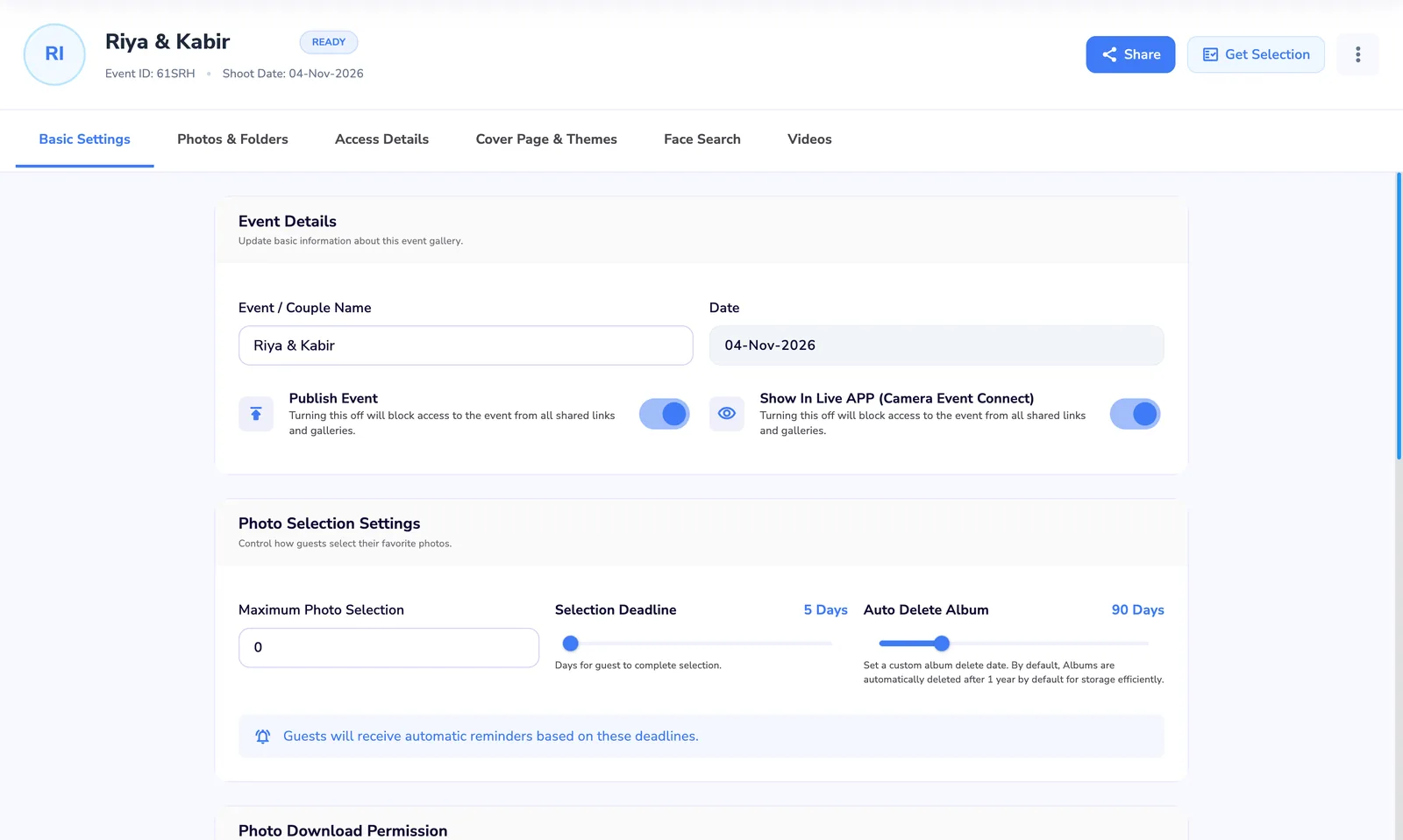
- Selection limit and deadline. Can you cap the number of photos and set the days to finish? In Camtom you set a maximum photo selection and a selection deadline per gallery, and guests get automatic reminders based on that deadline.
- How clients mark photos. Simple buttons to select, mark important or reject work best for parents who are not comfortable with apps.
- Getting the originals back. Clients select from light JPG previews; you need the full-size or RAW originals. Camtom's Get selection collects the originals of every selected photo from your backup — see the RAW selection workflow.
- Privacy controls. A 4-digit PIN, a registration-free VIP link for the couple, guest registration before viewing, and per-guest access (view all, selfie only, blocked).
- Download and screenshot control. Downloads off, free or paid; screenshots on or off. Paid downloads can even earn you money from candids.
- Face recognition for guests. At a 1,500-guest wedding nobody wants to scroll 4,000 photos. With CatEye AI, a guest takes a selfie and sees only their own photos.
- Price and devices. Check the yearly cost including GST and how many devices are included. Camtom plans start at ₹299 a month + GST, with 2 devices included in every plan.
03Why the cover page matters more than you think
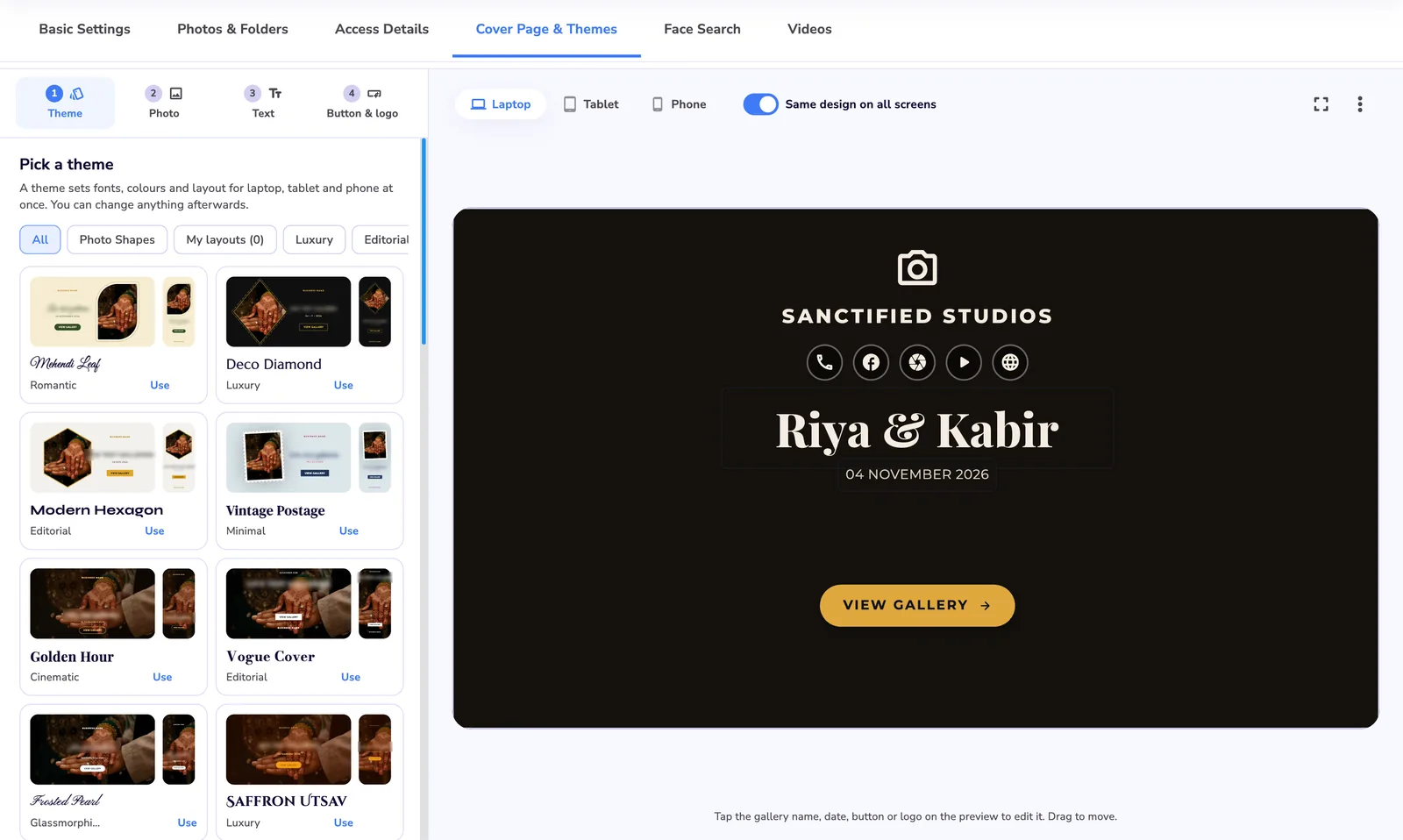
The gallery link is often the first thing the family opens after the wedding — before the album, before the film. A plain folder of files says “storage”; a designed cover with the couple's name and date says “studio”. Camtom has cover themes such as Romantic, Deco Diamond, Golden Hour, Vogue Cover and Saffron Utsav, which you can preview on laptop, tablet and phone and save as your own layout.
04Selection is half the job — the business is the other half
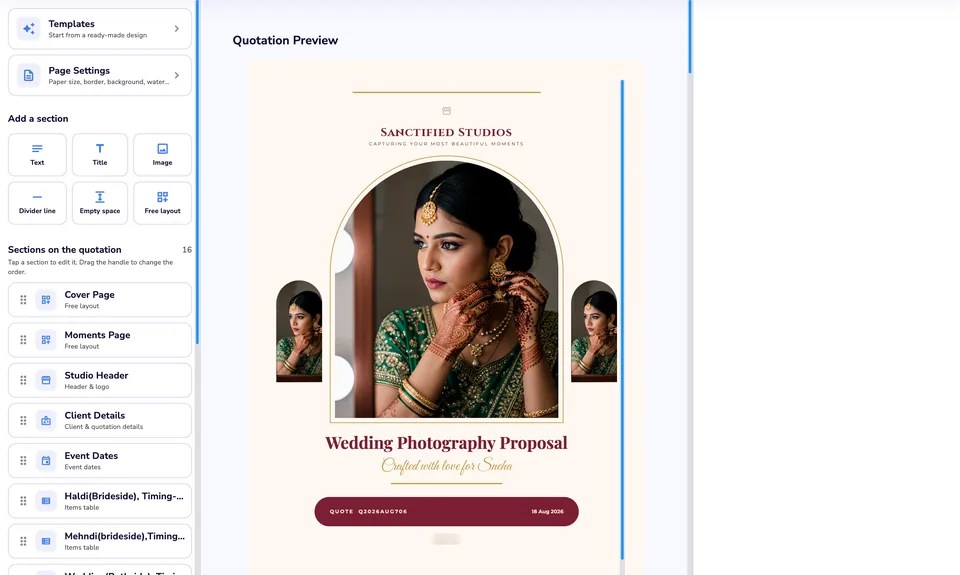
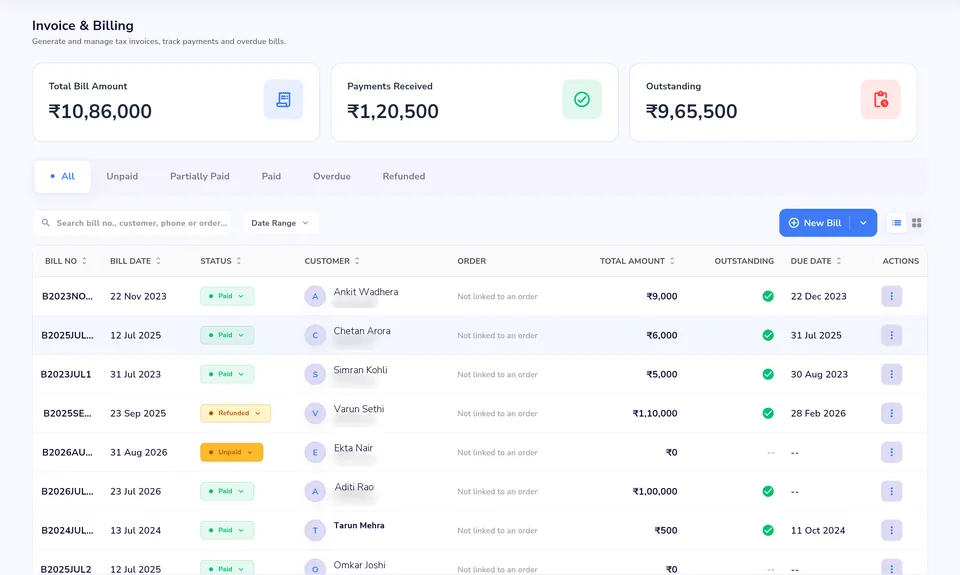
Many photographers use one tool for galleries, a notebook for bookings, Excel for payments and WhatsApp for everything else. The selection might be smooth, but the balance payment still gets missed. That is why Camtom puts selection next to the studio CRM: the same event has its order, functions, crew, payments and bill.
Tip: set the selection deadline before you share the link, and mention it in the WhatsApp message. Families finish much faster when the deadline is visible from day one.
05A simple selection workflow with Camtom
- Create a gallery from your Google Drive and add folders for each function.
- Set the selection limit, deadline, download and screenshot permissions.
- Pick a cover theme and share the link or QR on WhatsApp.
- The family selects from their phones; reminders go out automatically.
- Use Get selection to collect the originals and start the album.
06Frequently asked questions
Do clients need to install an app to select photos?
Clients can select photos on the website, Android or iPhone. They open the gallery link or scan the QR you share.
Can I limit how many photos the family selects?
Yes. Each gallery has a maximum photo selection and a selection deadline, and guests receive automatic reminders based on the deadline.
Does Camtom store my photos?
No. Camtom works with your own Google Drive, so your photos stay in your Drive account.
How much does Camtom cost?
Selection Month is ₹299 a month + GST and Photo Selection ₹999 a year + GST. Face recognition starts with Selection + Face AI (₹2,499 a year + GST); All Features (₹3,499 a year + GST) adds e-albums and the advanced CRM. See the pricing section for all plans.