At a glance
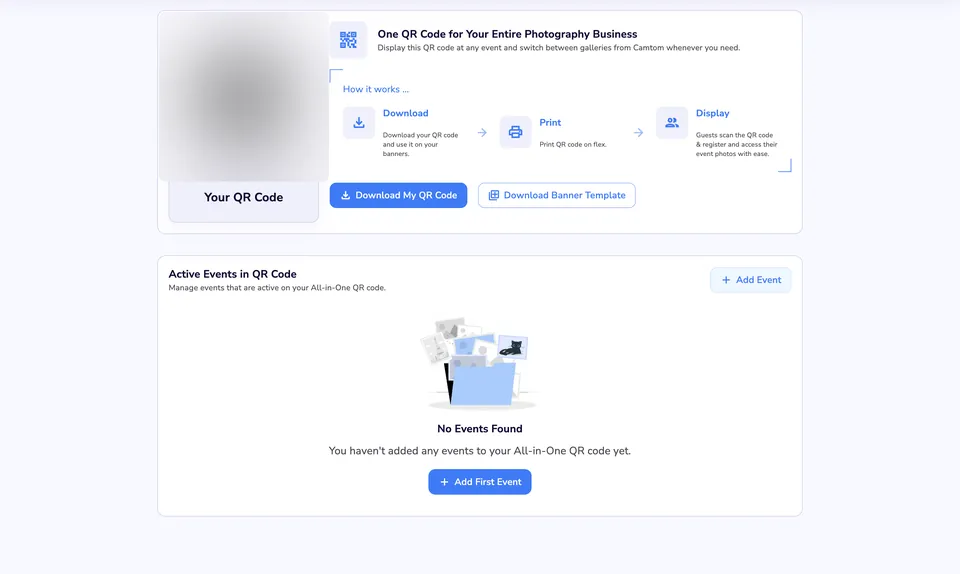
- One link or QR code: the client, and the whole family if you like, select from their own phones.
- Easy to choose: swipe, double tap, buttons or full screen.
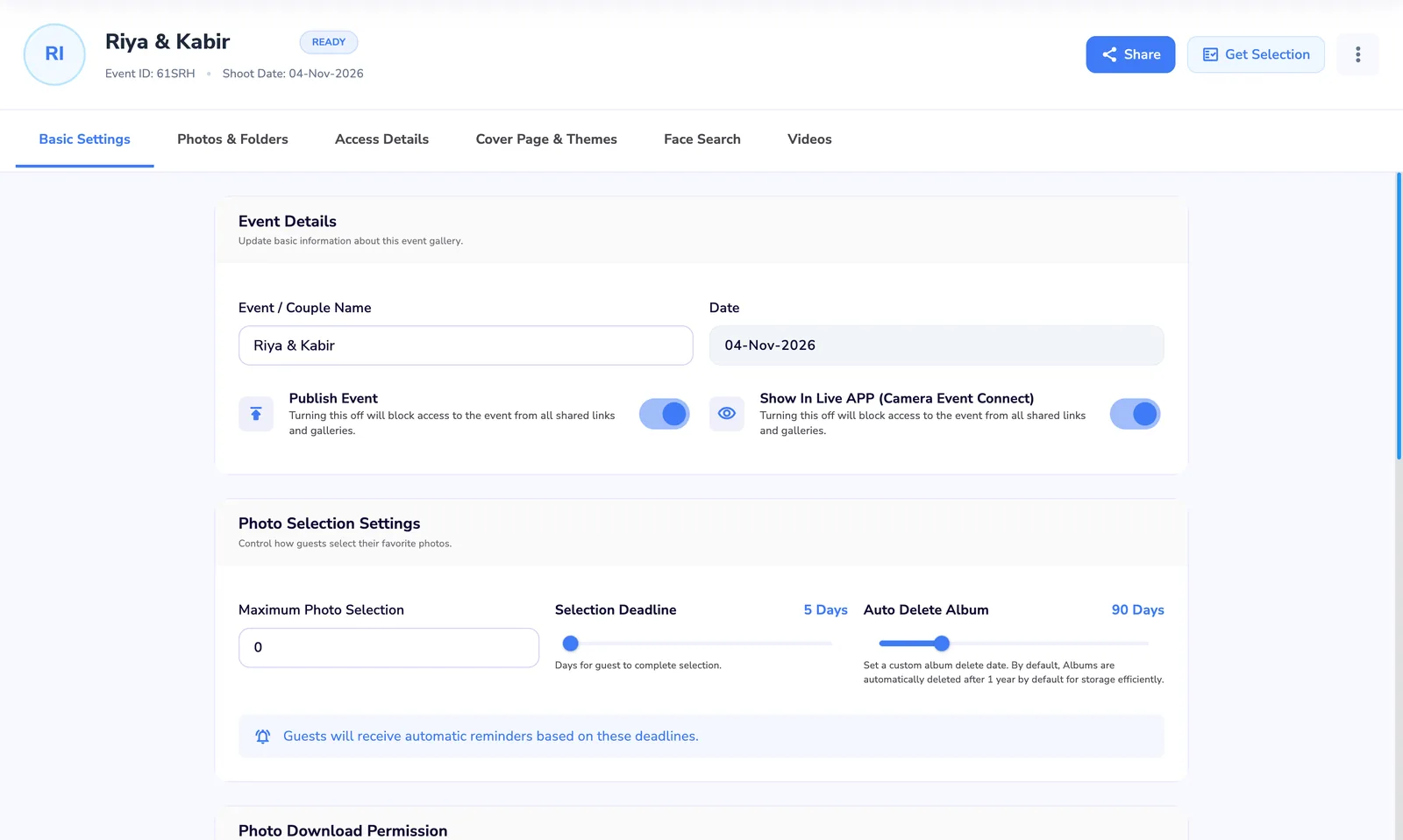
- Limit, deadline and automatic reminders keep selections from dragging on for months.
- Upload light, deliver heavy: share compressed images and collect the RAW originals from your backup in one click.
- Photo selection is included on every Camtom plan, from ₹299 a month + GST.
01Why client photo selection takes so long
Every photographer knows how it goes: you send 2,000 photos, the client screenshots their favourites, sends file names over WhatsApp, changes their mind twice and goes quiet for six weeks. Meanwhile the album, the edit and your final payment are all on hold.
Photo selection software turns that into a clear process with a start, a limit and an end. The client gets a clean gallery made for choosing, and you get a list of the selected photos that is ready to edit.
02How photo selection works in Camtom
- Upload compressed images for selection, so uploads are fast and stay light in your Google Drive.
- Set the rules: a selection limit (for example, 300 photos for the album), a deadline and automatic reminders.
- Share one link or QR code. Clients select on the web, Android or iPhone.
- They pick their favourites by swiping, double-tapping, using buttons or viewing full screen. Several family members can select from their own phones.
- Camtom sends reminders until the selection is done.
- Collect the originals. Camtom sorts and collects the original and RAW files of every selected photo from your backup in one click.
03Photo selection features
| Feature | Why it matters |
|---|---|
| Selection limit | The client knows exactly how many photos the album or package includes. |
| Deadline and automatic reminders | Selections finish on time without you chasing anyone. |
| Swipe, double tap, buttons, full screen | Easy for clients of any age, on any phone. |
| Folders per part of the shoot | Ceremony, reception, studio, outdoor: clients choose part by part. |
| Family selection from one QR | Several people select together, each from their own phone. |
| RAW originals in one click | Upload compressed images, and Camtom collects the matching originals from your backup. |
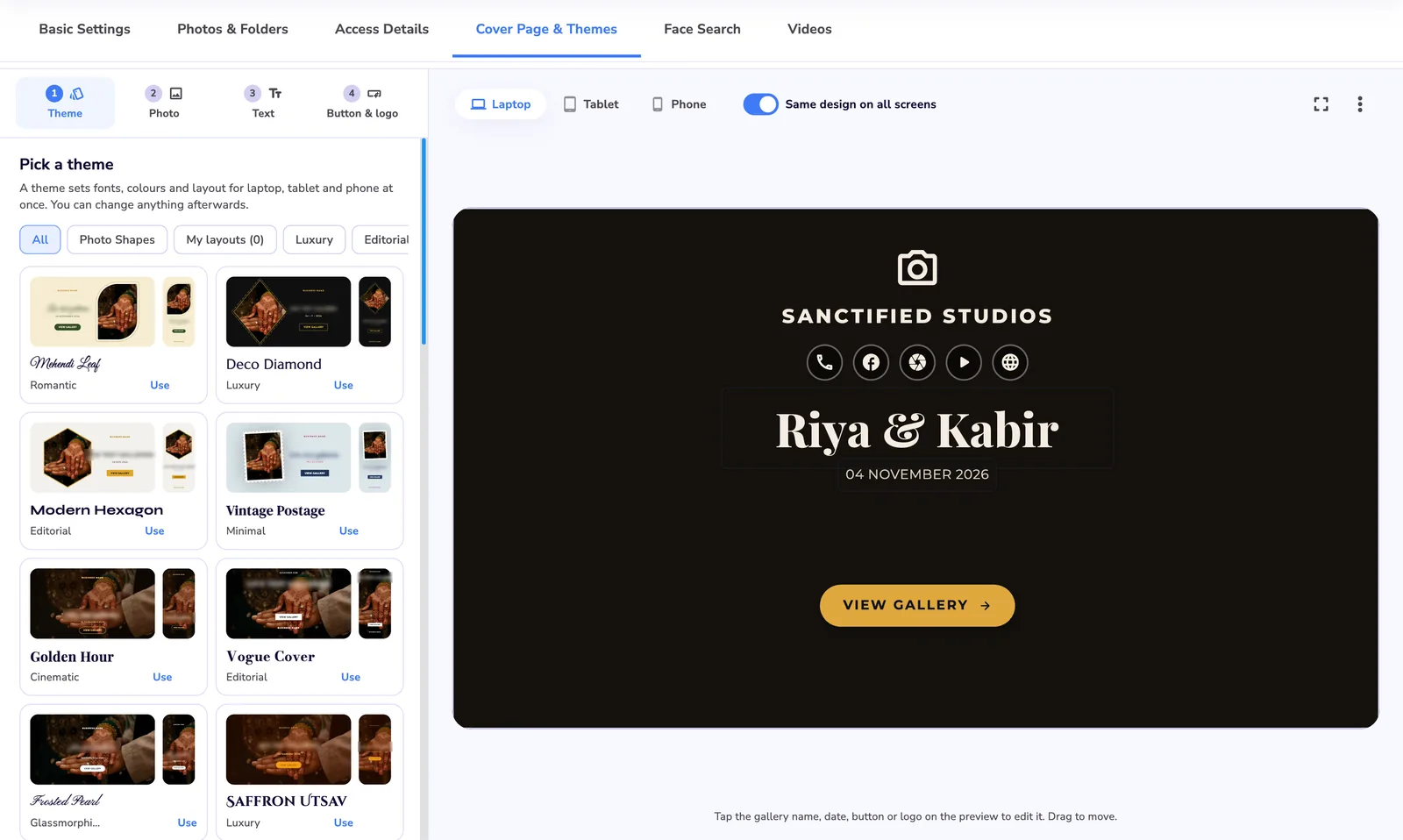
| Cover page themes | A gallery that opens like your studio's own app, previewed on laptop, tablet and phone. |
| Downloads and screenshots | Off, free or paid; screenshots on or off, so nobody walks away with unedited work. |
04From selection to the RAW originals
This is where most selection tools stop and photographers start renaming files by hand. In Camtom you upload compressed JPEGs for the client to choose from, which keeps uploads quick, and keep your RAW files on your backup drive. When the client finishes, Camtom collects the original and RAW files of every selected photo for you. Photos data management also tracks which hard disk holds which shoot and how much space is left on each. Read the full RAW photo selection workflow.
05Deliver and get paid in the same place
Once the selection is done, the rest of the job stays in Camtom too. Add your logo or watermark, send the e-album flipbook (unlimited on All Features), and send the bill with a fixed-amount payment QR from the built-in photography CRM. Your client approves, pays and receives everything in one place.
06Who it's for
- Wedding and event photographers designing albums from thousands of frames.
- Portrait, newborn, maternity and family photographers selling a set number of edited images.
- Fashion, product and commercial photographers who need the client's picks before retouching.
- School and graduation photographers collecting choices from many families.
Comparing tools? Our guide to choosing photo selection software has an 8-point checklist.
07Price
Photo selection is included on every Camtom plan: Selection Month at ₹299 a month + GST, Photo Selection at ₹999 a year + GST, Selection + CRM at ₹1,499 a year + GST (advanced CRM), Selection + Face AI at ₹2,499 a year + GST, which adds CatEye AI face recognition photo sharing, and All Features at ₹3,499 a year + GST with unlimited e-albums. Every plan includes 2 devices.
08Frequently asked questions
What is a photo selection app?
A photo selection app lets your client choose their favourite photos from an online gallery, for an album, prints or editing, instead of sending file names or screenshots over WhatsApp. Camtom adds limits, deadlines, reminders and one-click collection of the RAW originals.
Can clients select photos on their phone?
Yes. Clients select on the web, Android or iPhone by swiping, double-tapping, using buttons or viewing full screen.
Can several family members select together?
Yes. Share one event QR code or link and several people can pick favourites from their own phones.
Can I set a selection limit and deadline?
Yes. Set how many photos the client can select and a deadline, and Camtom sends reminders until the selection is finished.
Does Camtom work with RAW files?
Yes. Upload compressed images for selection, and Camtom sorts and collects the original RAW files of the selected photos from your backup.
How much does Camtom's photo selection cost?
Photo selection is on every plan: ₹299 a month + GST (Selection Month), ₹999 a year + GST (Photo Selection), and from ₹2,499 a year + GST with face recognition (Selection + Face AI).