At a glance
- Share by QR code or link. Guests open the gallery on the web, Android or iPhone.
- Face recognition: each guest takes one selfie and sees only their own photos. The selfie is deleted after matching.
- Live upload from DSLR, mirrorless or phone with the free Camera Event Connect app for Android.
- Your rules: downloads off, free or paid; screenshots on or off; PIN, VIP link or guest registration.
- Affordable: face recognition is included in Selection + Face AI at ₹2,499 + GST a year.
01What a photo sharing app should do for a photographer
Google Drive and WhatsApp were built to move files, not to deliver a shoot. Send a 4,000-photo event as one folder link and three things go wrong: guests can't find themselves, anyone with the link can download everything, and your work leaves without your name on it.
A photo sharing app made for photographers fixes all three. It sends each person to their own photos, lets you decide who can view, download or screenshot, and presents the gallery under your studio's brand. Camtom does this for weddings, corporate events, conferences, school functions, sports, concerts and portrait sessions.
02How photo sharing works in Camtom
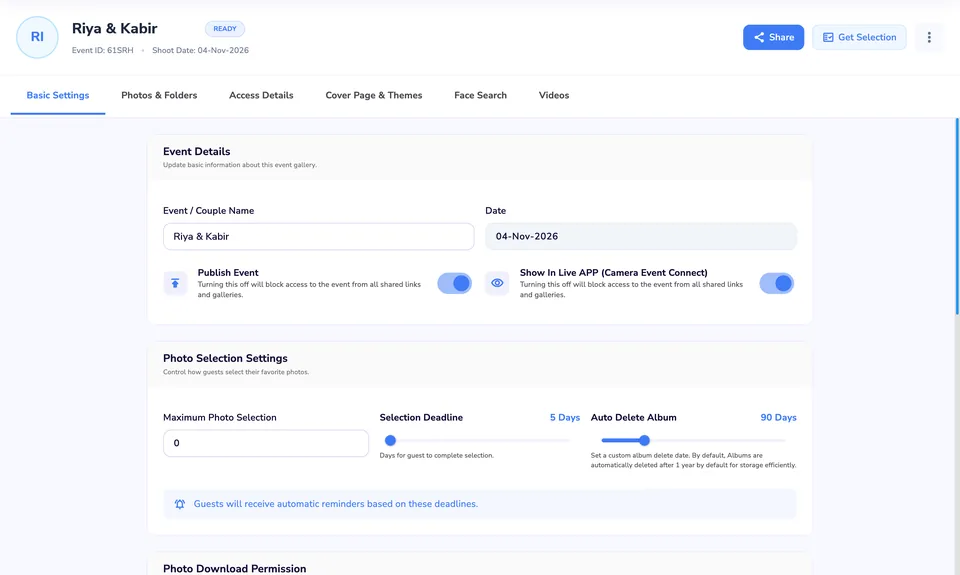
- Create the event gallery on your Windows or Mac computer, or on the Android or iPhone app. Add folders per part of the event: ceremony, stage, dinner, day two.
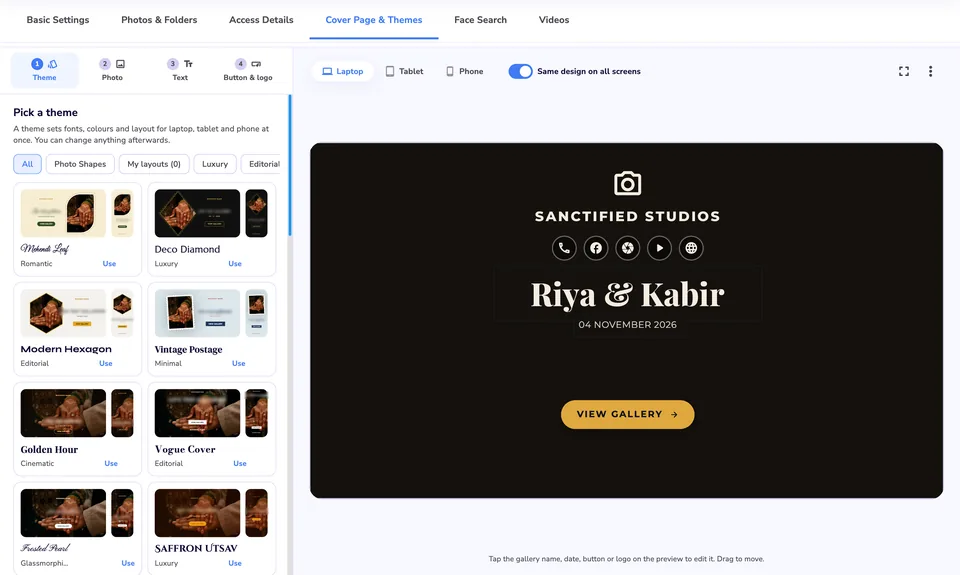
- Pick a cover theme and add your logo, so the first screen looks like your studio, not a file list.
- Upload. Upload after the shoot or live during the event; the photos are stored in your own Google Drive.
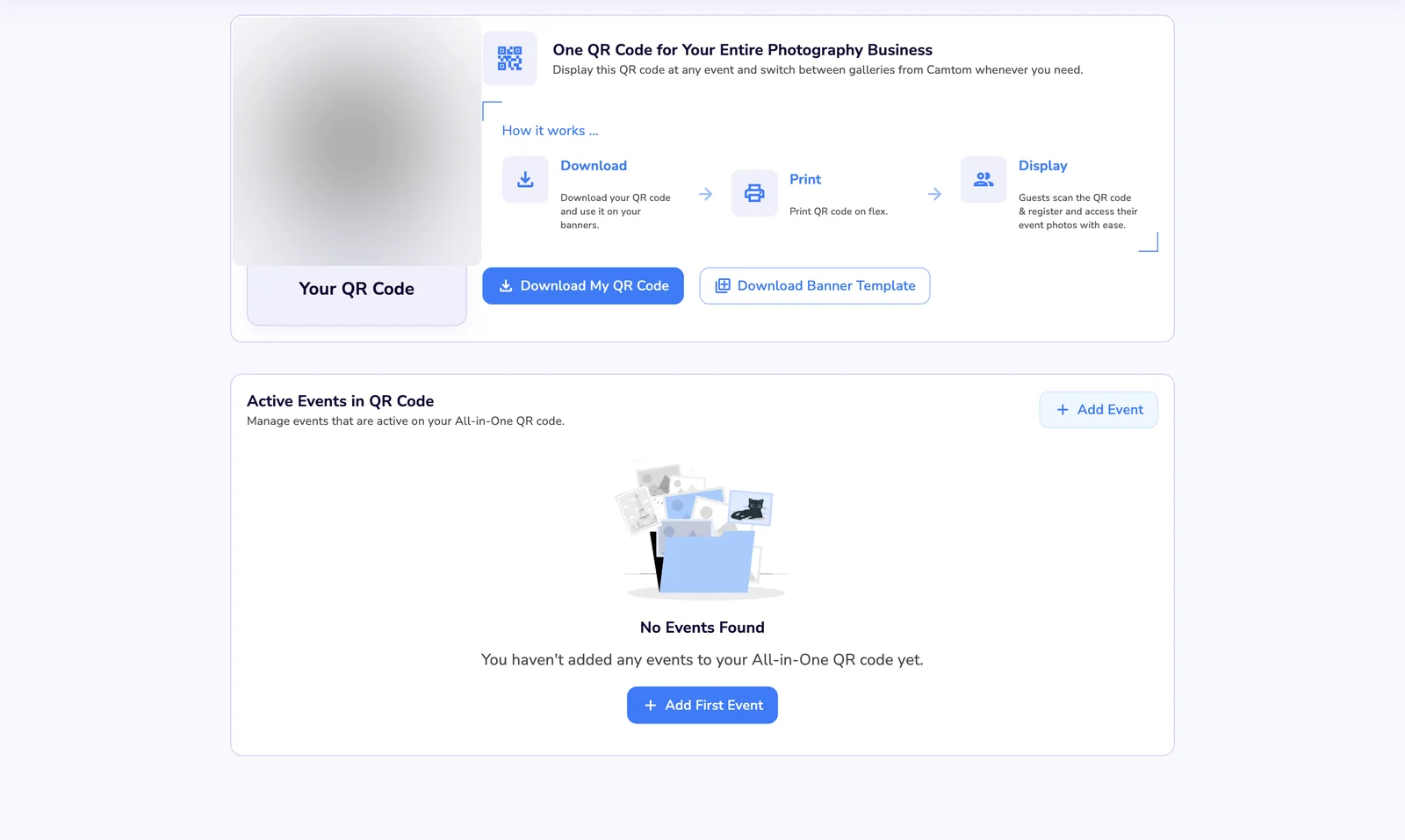
- Share one QR code or link on a standee, the stage screen, the invitation or a WhatsApp group.
- Guests take a selfie and CatEye AI shows only the photos they appear in.
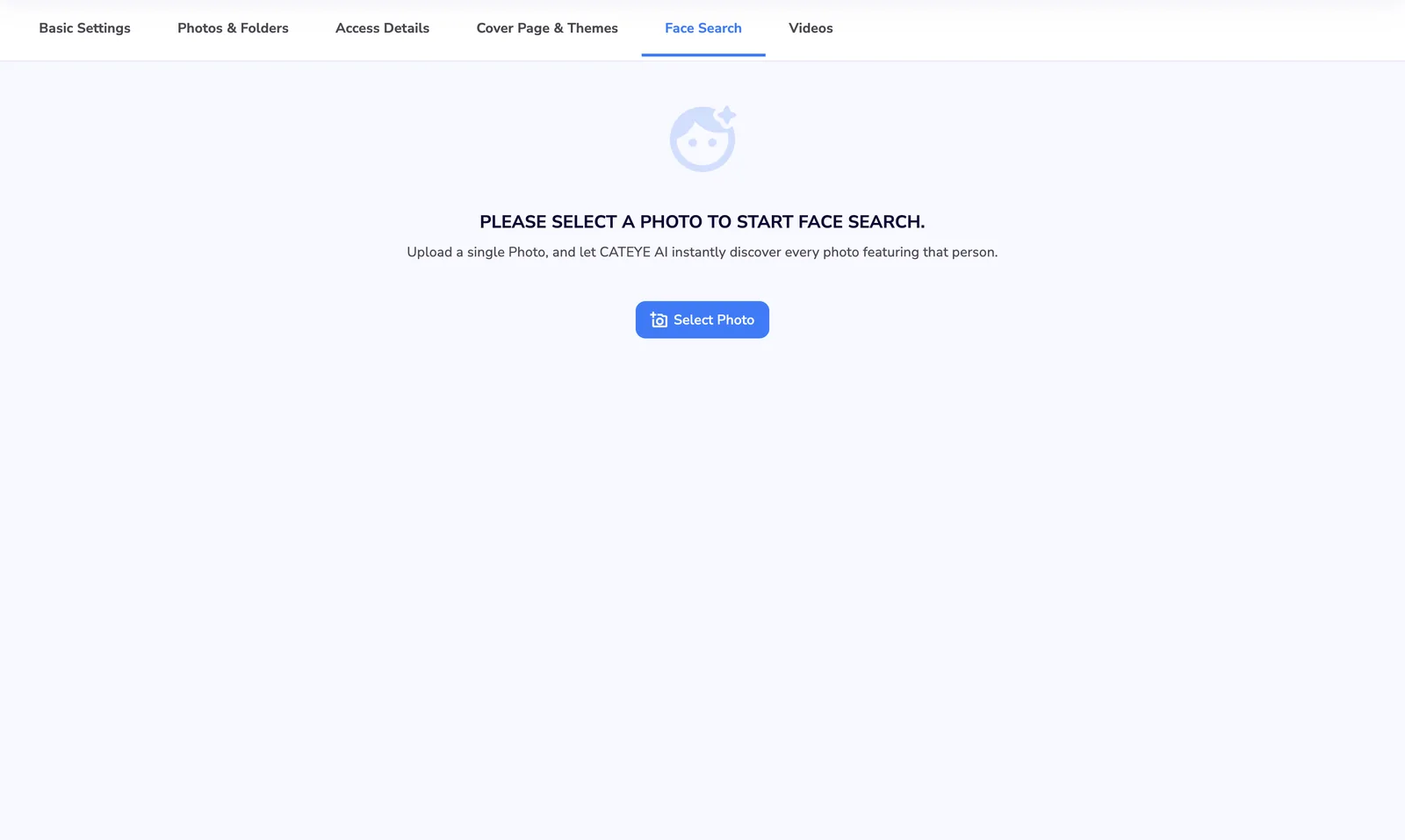
03Face recognition photo sharing with CatEye AI
CatEye AI is the face recognition built into Camtom. It reads every face in the event so that the right photos reach the right people, with no tagging and no scrolling.
- Guest mode: each guest sees only the photos they appear in.
- Find anyone in seconds: upload one photo of the chief guest, the CEO or the bride's grandmother and see every photo of that person.
- Face AI event QR: put one QR code at the venue. Guests scan, take a selfie and get their photos.
- Private by design: a selfie is used only to match the face, then permanently deleted.
Camtom rates CatEye AI at 99% accuracy. Good light and a selfie without sunglasses give the best matches.
04Live photo sharing during the event
People share photos while they're still at the event. Wait a week and most of that excitement has gone. The free Camera Event Connect app for Android lets you and your team upload from a DSLR, a mirrorless camera, a phone or team devices, so guests see new photos while the event is still on.
The best practice is to upload a few strong frames from each part of the event straight away and the full edit later. Every guest who finds a great photo of themselves during the event is also a guest who asks who took it.
05Control who sees, downloads and screenshots
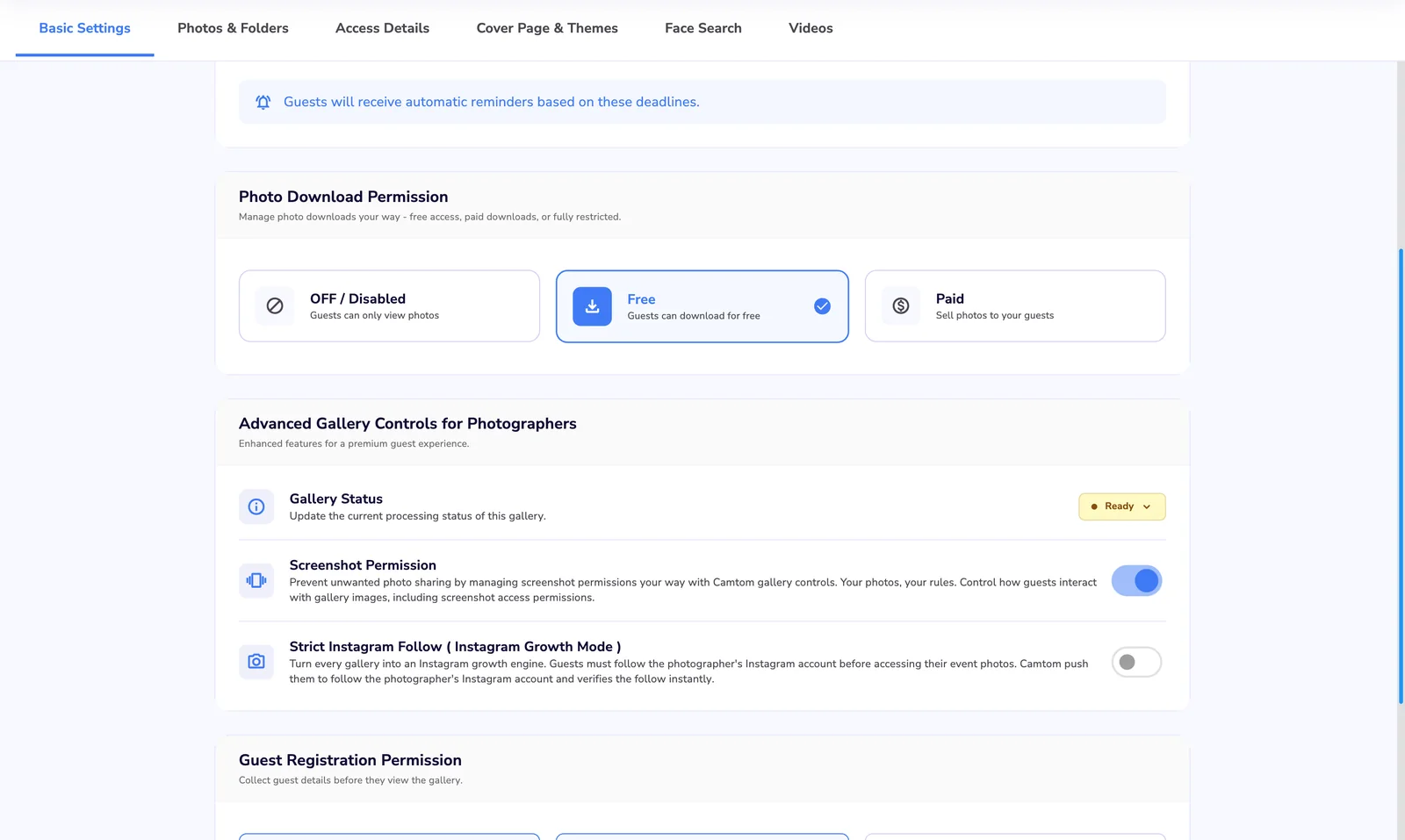
| Setting | What it does |
|---|---|
| Downloads: off, free or paid | Guests can only view, download for free, or buy photos at your price per photo. |
| Screenshot permission | Turn screenshots off for a gallery or for a single guest. |
| PIN, VIP link, registration | A 4-digit PIN, a registration-free VIP link, or guest details collected before viewing. |
| Per-guest access | Admin, download, screenshot, all photos or selfie-only, set per guest. Export the guest list to Excel. |
| Instagram growth mode | Guests follow your Instagram before they see their photos, and Camtom checks the follow. |
| Watermark and logo | Your brand on every shared photo. |
06Earn from the photos you share
Guests always want the candids that don't make the album. Set downloads to paid, choose a price per photo, and guests can buy their photos straight from your gallery. Every paid download shows up in your download history. A studio that sells 5 photos to 10 guests at 20 events a year, at ₹20 a photo, earns about ₹20,000 a year, roughly eight times the Selection + Face AI plan price. These numbers are an example, before any fees and taxes. Read how paid downloads work.
07Camtom vs. a shared Drive folder
| Camtom photo sharing | Shared Drive or WhatsApp | |
|---|---|---|
| Guests find their own photos | Yes, by selfie | Scroll through everything |
| Only your photos, per guest | Selfie-only access | Everyone sees everything |
| Download and screenshot control | Per gallery and per guest | Anyone with the link |
| Live upload at the event | Free Android app | Manual |
| Your branding | Cover themes, logo, watermark | A file list |
| Sell photos | Paid downloads | No |
| Where photos are stored | Your Google Drive | Your Drive |
Camtom works with your Google Drive rather than replacing it, so there is no separate storage bill and no lock-in. See how Camtom compares with sharing on Google Drive.
08Where photographers use it
- Weddings and family functions: every guest leaves with their photos; the family selects the album separately with client photo selection.
- Corporate events and conferences: delegates get their photos for LinkedIn the same evening. See our event photo sharing playbook.
- Schools and colleges: private galleries with a PIN and selfie-only access, with consent arranged through the school.
- Marathons, sports and concerts: each participant buys their own photos with paid downloads.
- Portrait, maternity and family sessions: a branded private gallery for one client.
09Price
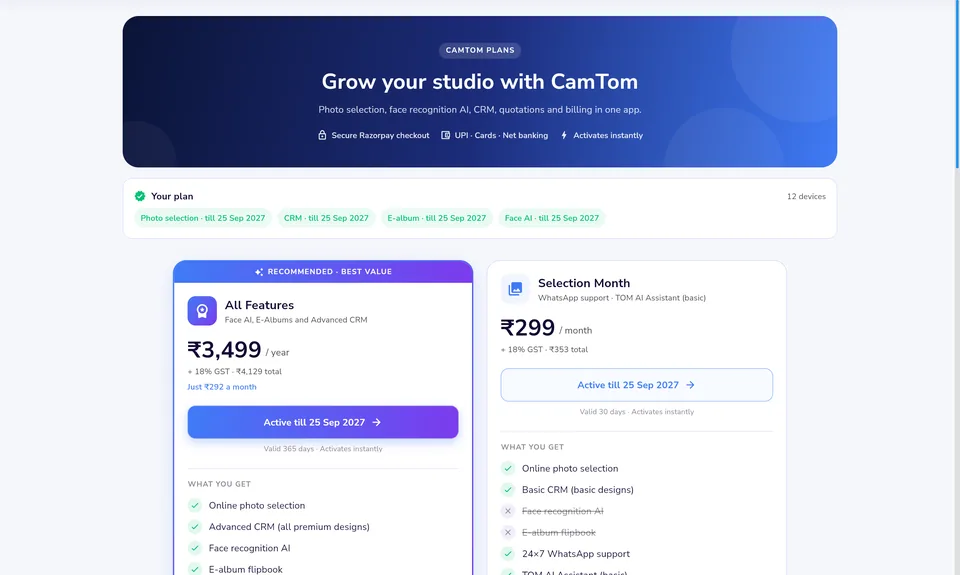
Face recognition photo sharing is included in Selection + Face AI at ₹2,499 + GST a year (about ₹208 a month), together with client photo selection, the full photography CRM, the Face AI event QR code, unlimited e-album flipbooks and 24×7 WhatsApp support. Comparing prices? See what face recognition photo sharing really costs.
10Frequently asked questions
What is the best photo sharing app for photographers?
The best one sends each guest to their own photos, protects your work with download and screenshot controls, and carries your branding. Camtom does all three, adding CatEye AI face recognition, live upload and paid downloads, and it keeps the photos in your own Google Drive.
How does face recognition photo sharing work?
Guests scan the event QR code or open your gallery link and take a selfie. CatEye AI matches the face across the event and shows only the photos that person appears in. The selfie is then permanently deleted.
Do guests need to install an app?
No. Guests can open the gallery on the web, and Camtom also works on Android and iPhone.
Can I share photos live during an event?
Yes. The free Camera Event Connect app for Android uploads photos from a DSLR, a mirrorless camera, a phone or team devices during the event.
Can I stop guests downloading or taking screenshots?
Yes. Set downloads to off, free or paid, and turn screenshots on or off for a whole gallery or for a single guest.
How much does Camtom's photo sharing app cost?
Face recognition photo sharing is included in Selection + Face AI at ₹2,499 a year plus 18% GST. You can download Camtom free and book a free demo before you pay.