Key takeaways
- Choose by workflow: selection, delivery and event sharing, not by looks alone.
- Check the storage model: your own Drive, or platform storage billed by the gigabyte.
- For big events, face search saves guests hours of scrolling.
- In India, look for rupee pricing, GST invoices, WhatsApp support and Indian languages.
We make Camtom. This guide compares kinds of tools and the questions that matter, and it is honest about where Camtom fits and where it doesn't.
01Why WhatsApp, pen drives and plain Drive links fall short
Most studios start with what is free and familiar. Each option breaks in a different place:
- WhatsApp compresses photos and buries them in chats. Fine for a teaser; wrong for delivery.
- Pen drives and hard disks mean couriers, lost drives and no way for a family to choose photos together.
- Plain Google Drive or Dropbox links are good storage but not a client workflow: there is no select or reject, no selection limit or deadline, no easy way to collect the originals of chosen photos, and one wrong sharing setting exposes the whole folder.
A client gallery app sits on top of your photos and handles what matters to clients: viewing, choosing, downloading and sharing, with your branding and your rules.
02The four kinds of client gallery tools
1. Cloud drives and transfer services
Google Drive, Dropbox and WeTransfer. Great for moving final files; weak at proofing, branding and guest sharing. Use them for backups and handovers, not as your client experience.
2. Global gallery platforms
Pixieset, Pic-Time, ShootProof and SmugMug are polished, popular worldwide and often strong on print sales. Before you commit, check how they price (many bill in US dollars, with plans sized by storage), whether face search and live event upload are included, and how well selection works when a whole family chooses together.
3. Face-recognition event apps
Guests scan a QR code, take a selfie and see only their photos. Excellent for big events, but often a separate tool from your selection workflow and business software, priced per event.
4. Studio software with built-in galleries
Tools like Camtom combine client galleries, face recognition and live upload with quotations, bookings and bills. One login for the whole studio, at the cost of a little more to learn than a pure gallery tool.
| Typical strength | Cloud drives | Global galleries | Face-search apps | Studio software |
|---|---|---|---|---|
| Client selection workflow | No | Usually | Rarely | Yes |
| Face search for guests | No | Varies | Yes | Varies |
| Live upload during events | No | Varies | Often | Varies |
| Branded galleries | Minimal | Strong | Basic | Good |
| Quotes, bills & payments | No | Some | No | Yes |
| Where photos live | Your drive | Their cloud | Their cloud | Varies |
Typical by category. Individual products differ, so check the ones on your shortlist.
03The 10-point buyer's checklist
Take this list into every trial or demo:
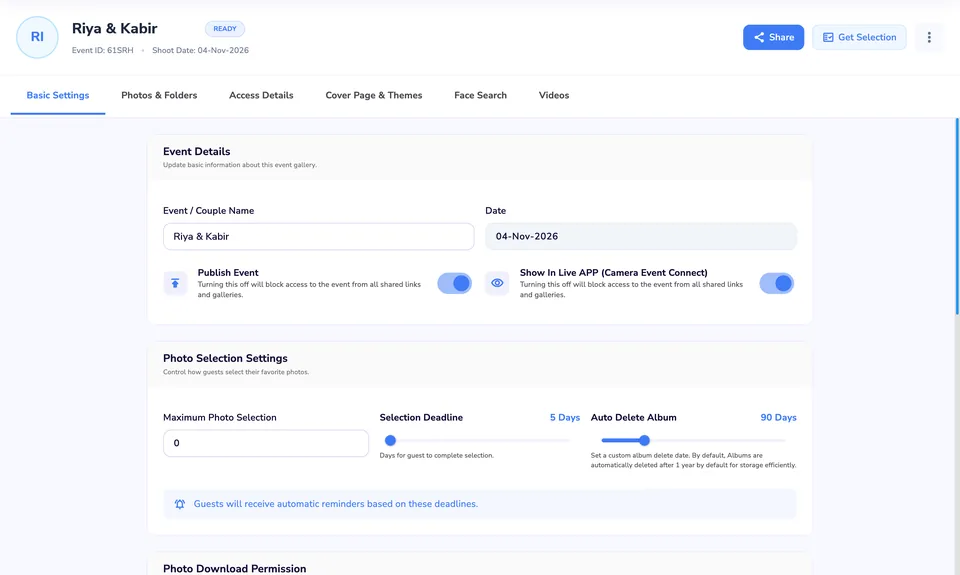
- Selection that fits how your clients choose. Can a whole family select from their own phones, with select, important and reject, a selection limit and a deadline with reminders?
- Originals and RAW. Once the client has chosen, can you collect the original files of the selected photos without hunting through folders?
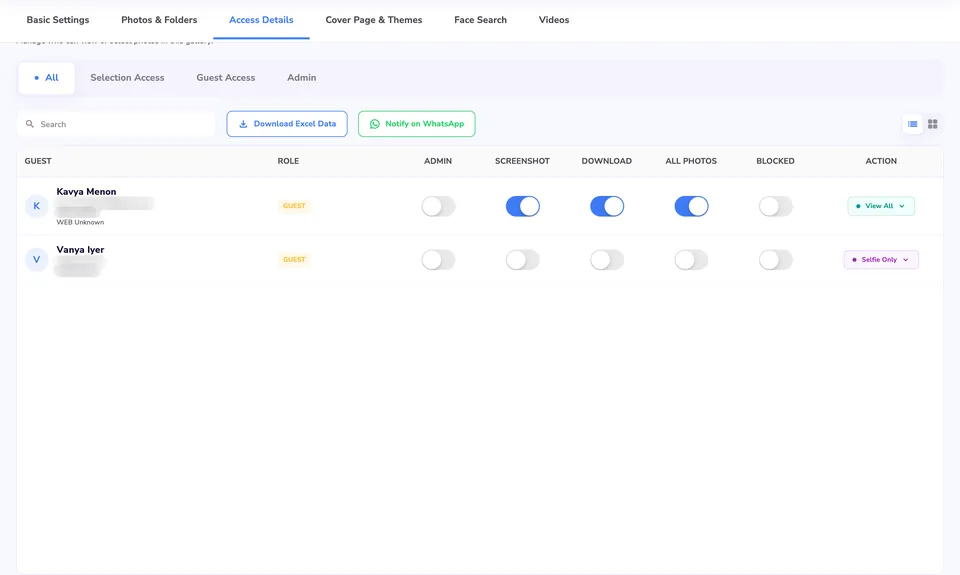
- Privacy controls: PIN, registration-free VIP links, guest registration, screenshot control and access per guest.
- Download control: off, free or paid, per gallery.
- Face search for events, and a clear answer to “what happens to the selfies?”
- Live upload from cameras and phones while the event is on.
- Storage model and three-year cost at your real archive size.
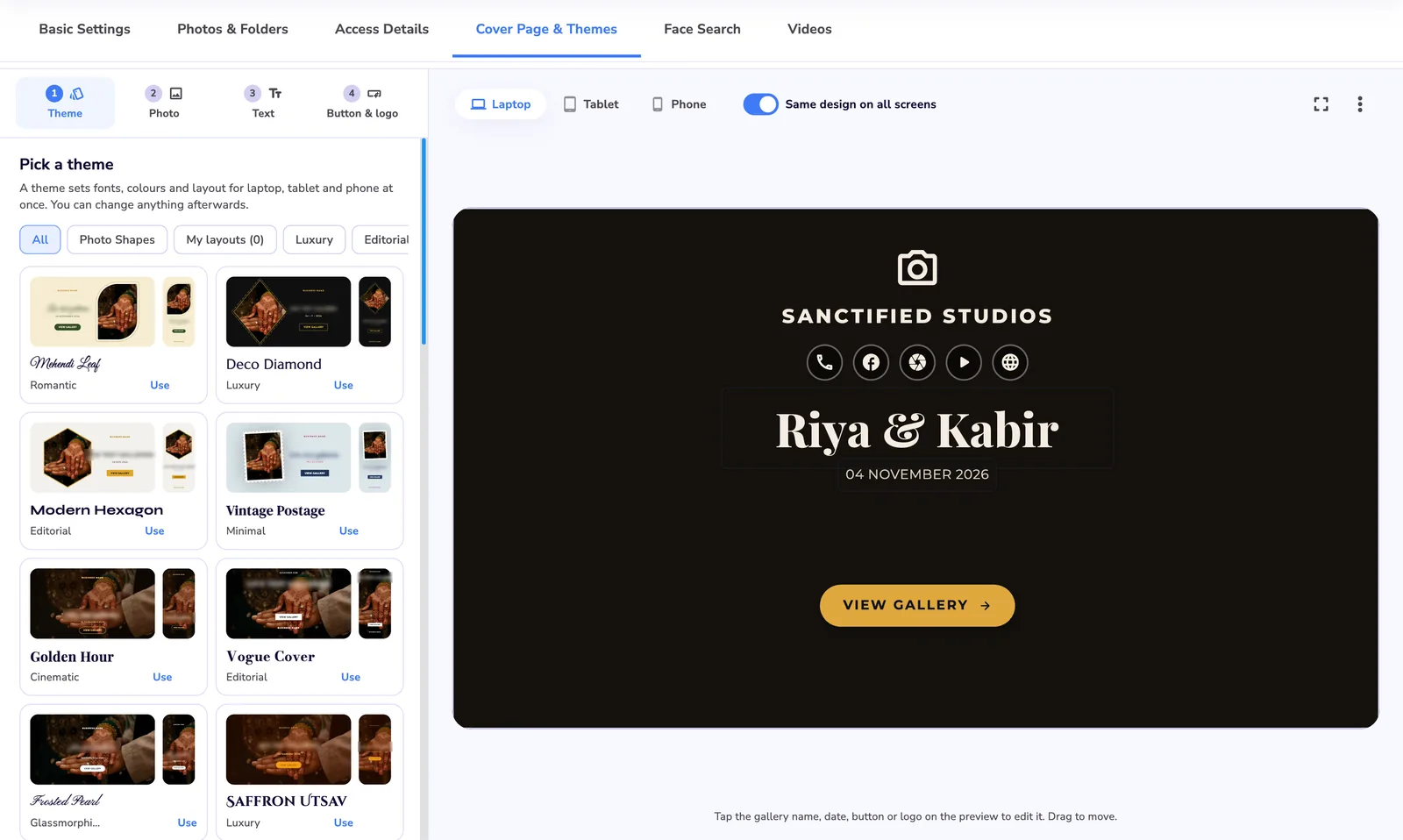
- Branding: cover pages, watermark, your logo and your own defaults.
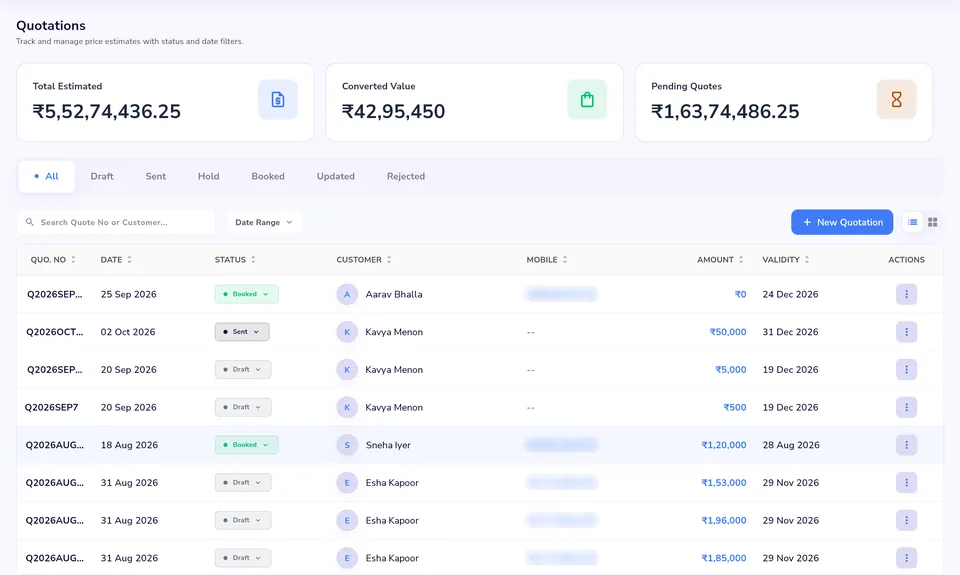
- Business tools: quotations, bookings, bills and payments, or yet another app.
- Local fit: rupee pricing with GST invoices, Indian languages, WhatsApp support, and apps for Windows, Mac, Android and iPhone.
04Storage pricing: run the three-year numbers
Gallery pricing usually follows one of two models: storage-based, where you pay more as your archive grows, or flat plans, a fixed price with photos kept in storage you control.
Example: 40 events × 60 GB = 2.4 TB a year, about 7.2 TB after three years
On a storage-based plan, that growth pushes you up tiers or forces you to delete old galleries. When your photos live in your own Google Drive you still pay Google for storage beyond the free 15 GB, but the archive stays yours, in one place, with no lock-in if you ever switch tools.
Estimate your archive for the next three years and price every shortlisted tool at that size, including currency conversion and GST. The cheapest plan this year is not always the cheapest in year three.
05What to test in a free trial or demo
- Upload a real event of 500+ photos and time it.
- Share the gallery with a relative on a budget Android phone and a slow connection.
- Run a full selection: select, important, reject, a limit and a deadline.
- Try face search with your own selfie on a big event.
- Collect the originals of the selected photos and see how long it takes.
- Message support on a Sunday evening in wedding season and see when they reply.
06Where Camtom fits, and where it doesn't
Camtom is built for photographers in India who want selection, sharing and the business side in one place:
- Selection with select, important and reject, limits, deadlines and daily reminders. Collect the originals of selected photos, RAW included, from your backup in one click.
- CatEye AI face search, guest mode and a Face AI event QR. Selfies are used only for matching and then permanently deleted.
- Live upload with the free Camera Event Connect app for Android.
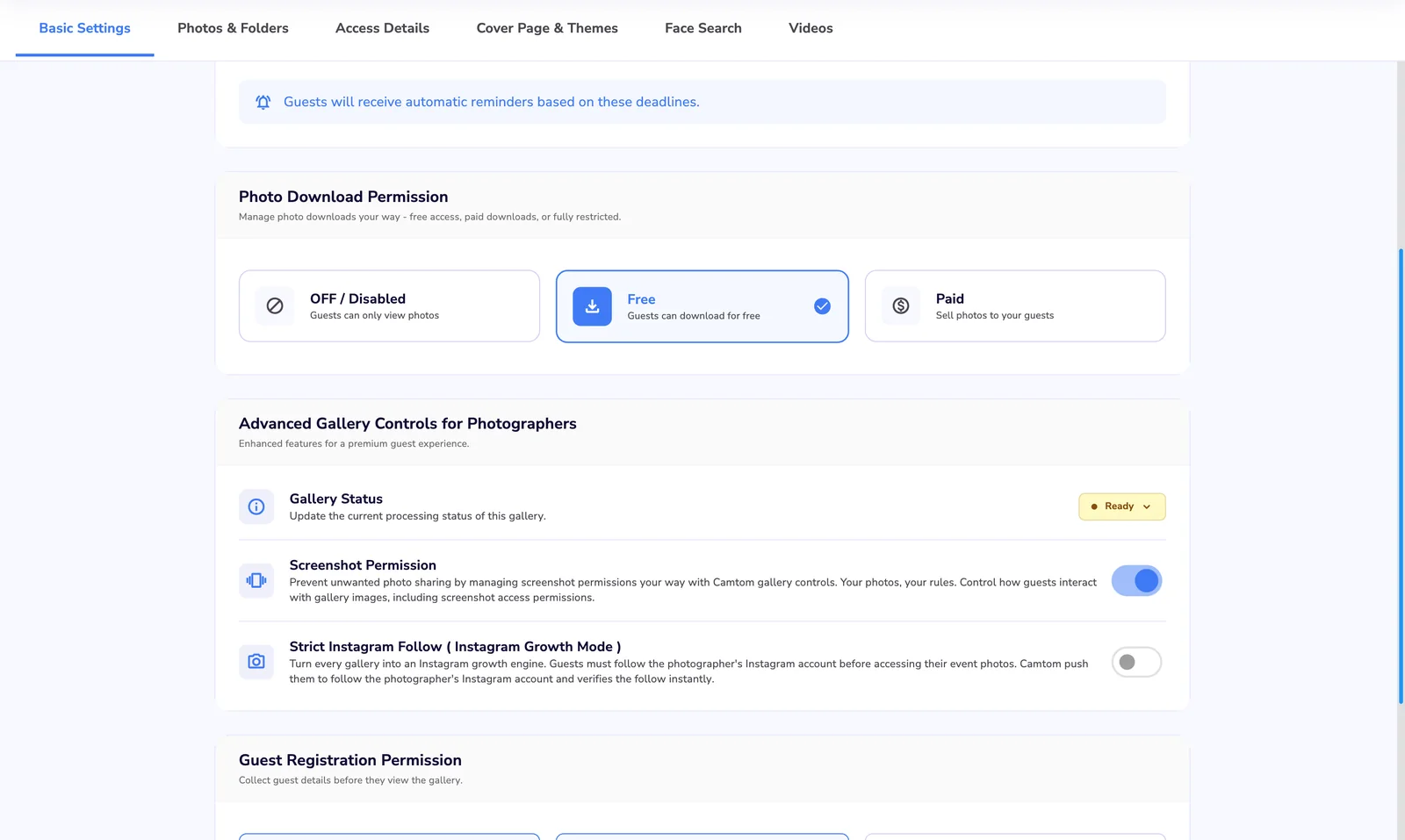
- Downloads off, free or paid, screenshot permission and Instagram growth mode.
- Your own Google Drive for storage, plus a studio CRM with quotations, GST bills and payment QR.
Plans start at ₹299 a month + GST. Face recognition starts with Selection + Face AI at ₹2,499 a year + GST; All Features, with unlimited e-albums, is ₹3,499 a year + GST.
Where it may not fit: if most of your income comes from print sales to international clients through an integrated print-lab store, a global platform built around print sales may suit you better.
Camtom's photo sharing app lets every guest find their own photos with one selfie, and face recognition is included in one affordable yearly plan.
07Frequently asked questions
Is Google Drive good enough to deliver photos to clients?
For handing over final files, yes. For proofing it falls short: there is no select or reject, no selection limit or deadline, and no easy way to collect the originals of the photos a client chose.
What is a good Pixieset alternative for photographers in India?
It depends on your workflow. If you need family selection, face search at big events and pricing in rupees with GST invoices, look at tools built for Indian studios, such as Camtom. If print sales to international clients drive your business, a global platform may suit you better.
Do clients need to install an app to view their gallery?
Not with most modern tools. With Camtom, clients can select photos on the website, or in the Android or iPhone app if they prefer.
How much storage does a photographer need?
Multiply events per year by the gigabytes you deliver per event. A studio with 40 events at 60 GB each adds about 2.4 TB a year.
Is face recognition safe for guests?
Ask every vendor what happens to selfies. In Camtom, a selfie is used only to match a face and is then permanently deleted, and each guest sees only the photos they appear in.