Key takeaways
- Kamero offers pay-per-event or a subscription, but doesn't publish the prices.
- Your first Kamero event is free, with 45 days' validity. A custom domain is a paid add-on.
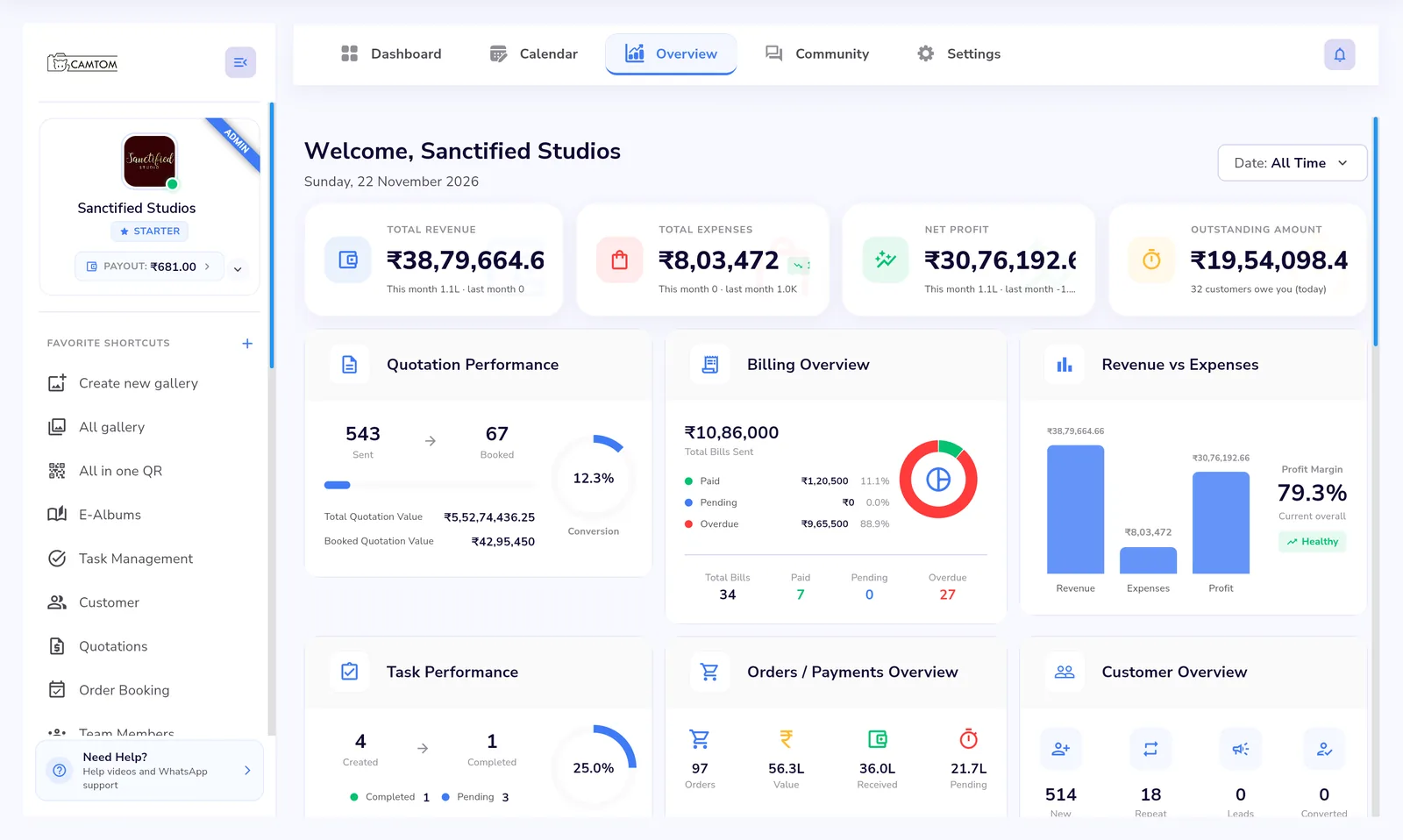
- Kamero's business features are automated invoicing and an enquiry button; quotations, orders and team scheduling aren't listed.
- Camtom's prices are public: ₹2,499 with face recognition, ₹3,499 with the advanced CRM and e-albums.
01Camtom vs Kamero at a glance
| Camtom | Kamero | |
|---|---|---|
| Published prices | Yes, every plan | Shown after you create an event, or from sales |
| How you pay | One flat yearly plan | Per event, or a yearly subscription |
| Free start | Photo selection for 5 events + basic CRM | First event free, 45 days' validity |
| Face recognition | Selection + Face AI (₹2,499) and up | Listed |
| Client photo selection | Every plan, with limits, deadlines and daily reminders | Shortlisting and selection for album prints |
| RAW originals of selected photos | One click, from your backup | Not listed |
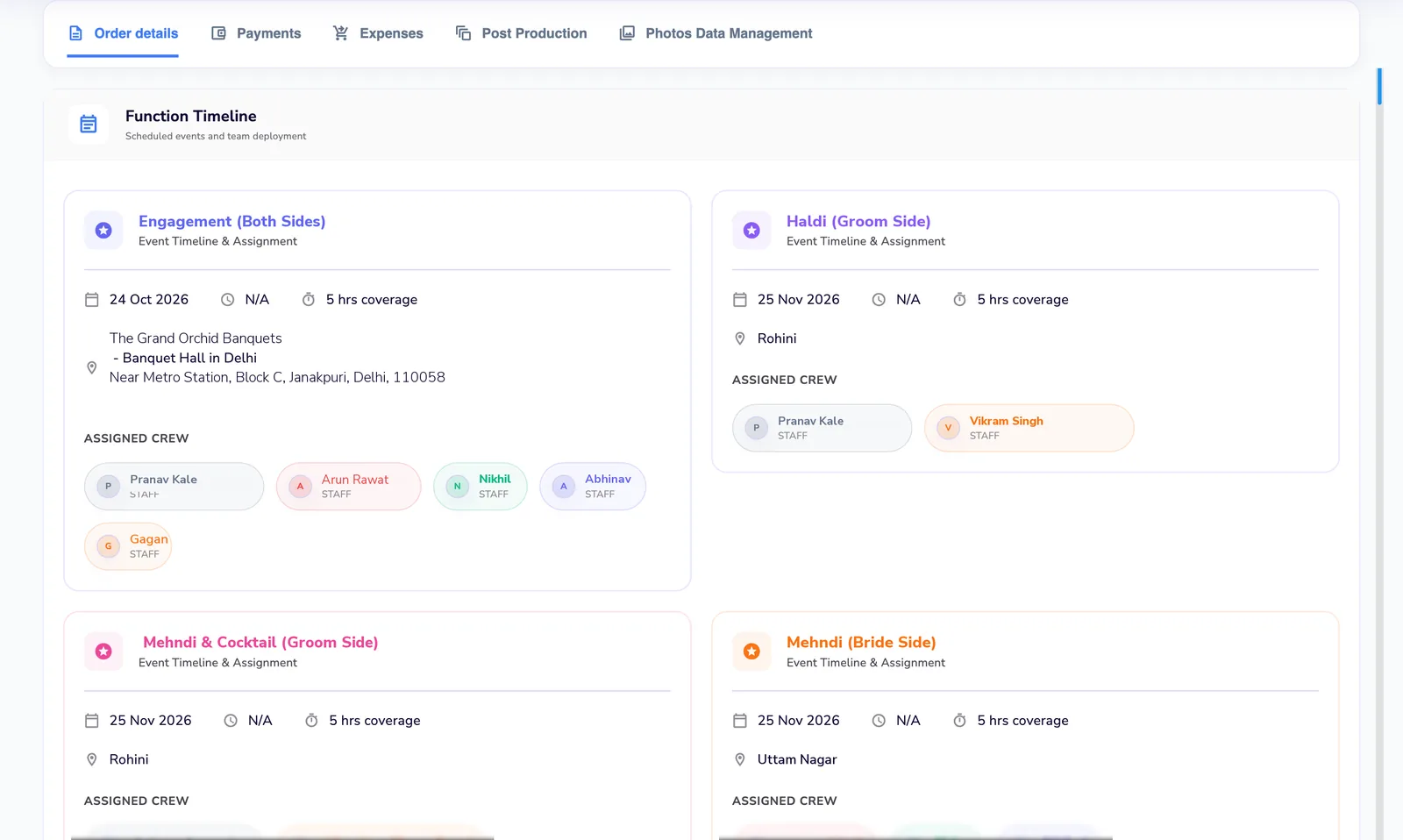
| Quotations, orders with shoot timelines, calendar | Included | Not listed |
| Invoices and payments | GST bills, receipts, fixed-amount UPI QR, expenses, reports | Automated invoicing and an enquiry button |
| Team and crew per shoot | Included, with post-production tasks | Not listed |
| Where your photos are stored | Your own Google Drive | Not stated |
| When the plan ends | Photos stay in your Drive | Not stated |
Kamero details from its pricing and home pages, 23 November 2026. “Not listed” and “not stated” mean we couldn't find it on those pages.
02How Kamero is priced
- Pay per event: “Pay only when you create an event. No subscription, no auto-charges,” with full access to every feature on each event.
- Subscription: “One plan, unlimited events” on an annual plan, with priority support and white-labelling.
- Prices aren't on the page. Kamero says to “see current plan details when you create an event, or talk to our team.” Enterprise and white-label apps are quoted by sales.
- Your first event is free; Kamero's FAQ gives the trial event 45 days' validity. A custom domain for galleries is an optional paid add-on.
03Kamero's limitations for working photographers
- You can't compare prices before signing up. That makes it hard to budget a year of events, or to compare it with other apps.
- Business tools are light. Kamero lists automated invoicing, an enquiry button and lead capture. Quotations, orders with shoot timelines, a shoot calendar, crew scheduling, expenses and reports aren't listed, so you'd still need a CRM.
- RAW collection isn't listed. Clients can shortlist photos for album prints, but there's no mention of collecting the RAW originals of their picks.
- Storage and expiry aren't explained. The pricing page doesn't say where photos are stored, or what happens to galleries when a plan or event ends.
Where Kamero is strong: branded iOS and Android apps, Kam-Sync live camera upload, a desktop uploader, photo selling with no commission and a free photography website builder. If you want your own branded guest app, Kamero is worth a look.
Camtom is our product. Everything we say about Kamero comes from Kamero's own website, read on 23 November 2026 and linked under Sources. Where their pages don't mention something, we say “not listed” rather than guess. Plans change often, so check their pages before you decide.
04What you get with Camtom instead
- Your photos stay in your own Google Drive. Camtom doesn't sell storage, so there is no storage bill from Camtom, and if you ever stop paying, your photos are still in your Drive.
- Client photo selection that finishes on time. Clients mark select, important or reject on any phone or PC. Set a selection limit and a deadline, and Camtom sends a daily reminder until they're done.
- RAW originals in one click. Clients choose from light JPGs; Camtom collects the matching RAW or full-size originals from your backup. See the RAW selection workflow.
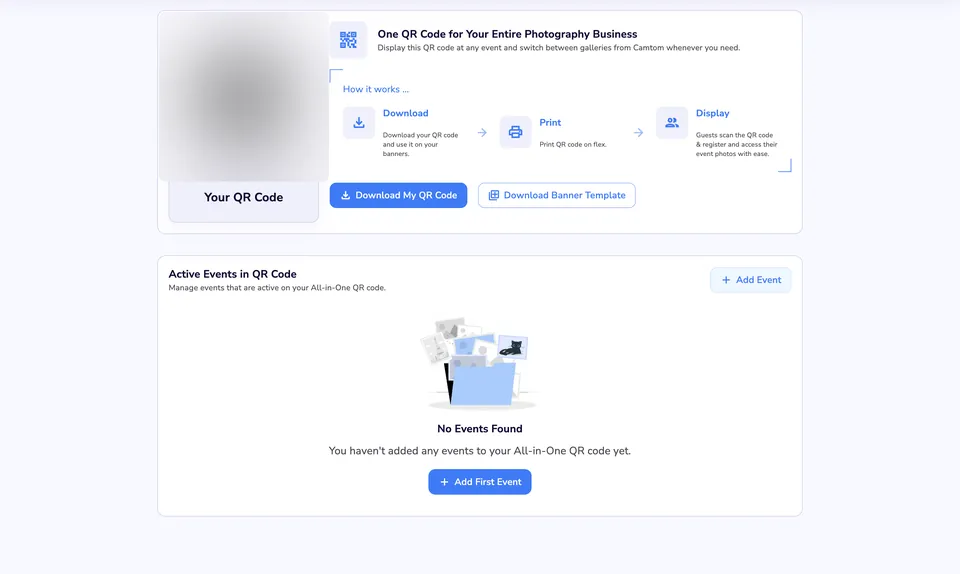
- CatEye AI face recognition. Guests take one selfie and see only their photos, or scan one event QR at the venue. Selfies are used only to match a face, then deleted. No limit on face recognition, events or guests.
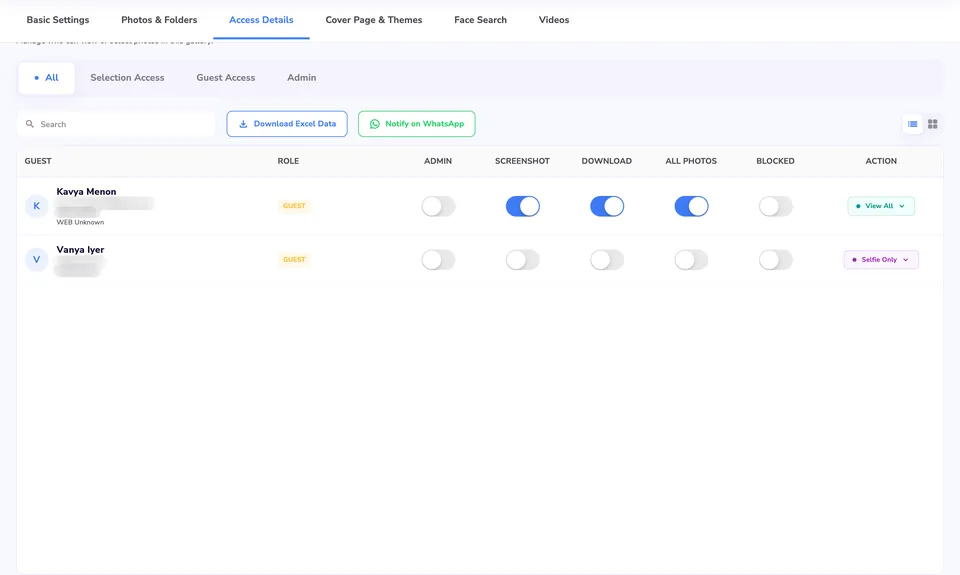
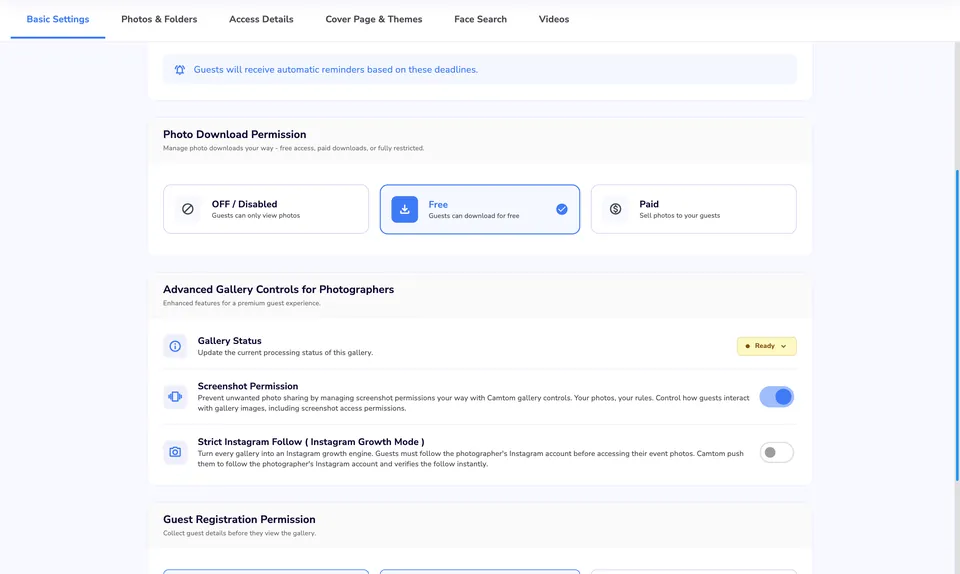
- Gallery controls on every gallery. Downloads off, free or paid at your price per photo; screenshots off; a PIN, a VIP link or guest registration; per-guest access; and Instagram growth mode.
- A full studio CRM in the same app. Quotations with a designer, orders with shoot timelines, calendar, reminders, GST bills, receipts, a fixed-amount UPI QR, expenses, team and crew, post-production tasks and reports. See the photography CRM.
- Live event upload from DSLRs, phones and team devices with the free Camera Event Connect app, plus unlimited e-album flipbooks on All Features.
- Every device, ten languages. Windows and Mac software, Android and iPhone apps, in English and nine Indian languages.
05What Camtom costs
| Camtom plan | Per year + GST | What it includes |
|---|---|---|
| Free | ₹0 | Photo selection for 5 events, basic CRM |
| Selection + Face AI | ₹2,499 | Photo selection, CatEye AI face recognition, event QR, basic CRM |
| All Features | ₹3,499 | Everything: face recognition, advanced CRM with premium designs, unlimited e-albums |
Every plan includes 2 devices and 24×7 WhatsApp support (except Photo Selection). Photos are stored in your own Google Drive; if you need more than Google's free 15 GB, Google charges for that separately. Smaller plans start at ₹299 a month.
06Camtom's own limits
To be fair to Kamero, here is what Camtom doesn't do, or charges for:
- You need enough Google Drive space. Google gives 15 GB free; beyond that you pay Google for a Google One plan.
- Face recognition needs Selection + Face AI (₹2,499 a year) or higher. The advanced CRM and e-albums need All Features (₹3,499 a year). Prices are before 18% GST.
- Every plan includes 2 devices; extra devices are ₹199 + GST each.
- Event films are added as YouTube links next to the photos, not uploaded as video files.
- AI culling is still coming soon.
07Which one should you choose?
- Choose Kamero if a branded guest app under your studio's name is the top priority, and you already run quotations, bookings and accounts somewhere else.
- Choose Camtom if you want to know the price up front and run the whole studio in one app: face recognition, client selection, RAW collection, gallery controls, quotations, orders, bills and team, with your photos in your own Drive. For most studios, that's the better fit.
08How to switch from Kamero to Camtom
- Install Camtom free on your computer (Windows or Mac) and phone (Android or iPhone), and connect your Google Drive. The free plan gives you photo selection for 5 events, so you can try it with real clients.
- Book a free demo on WhatsApp if you'd like us to set it up with you, or watch the demo videos.
- Start with your next event: create a gallery, upload the photos (they go to your Drive), set the selection limit and deadline, and share the link.
- Turn on CatEye AI on a Face AI plan and put the event QR at the venue, so guests find their own photos.
- Keep your old platform until its plan ends, and download anything you want to keep before it does. New work goes into Camtom from day one.
09Sources
Every price and limit above comes from these pages, read on 23 November 2026:
- Kamero pricing
- Kamero home page and FAQ
- Camtom pricing
- All Camtom features
- Google One prices for India, November 2026
10Frequently asked questions
Is Camtom a good Kamero alternative?
Yes. Camtom offers selfie and QR code photo sharing with face recognition, client selection with deadlines and RAW collection, plus a full studio CRM with quotations, orders, GST bills and team management, at published prices.
How much does Kamero cost?
Kamero doesn't publish its prices. It offers pay-per-event and subscription plans, with prices shown when you create an event or from its sales team. The first event is free.
Does Kamero have a CRM?
Kamero lists automated invoicing, an enquiry button and lead capture. Quotations, orders with shoot timelines, a calendar, crew scheduling, expenses and reports aren't listed on its pricing page. Camtom includes all of them.
How much does Camtom cost?
Selection + Face AI is ₹2,499 a year and All Features ₹3,499 a year, before 18% GST. There's a free plan with photo selection for 5 events, and plans from ₹299 a month.
Where does Camtom store my photos?
In your own Google Drive. Camtom doesn't sell storage, so your photos stay yours even if you stop paying.